
Photo to coloring page converter
Turn a photo into a coloring page
Upload a picture of your pet, your kids or the whole family. Get printable line art in about 30 seconds.
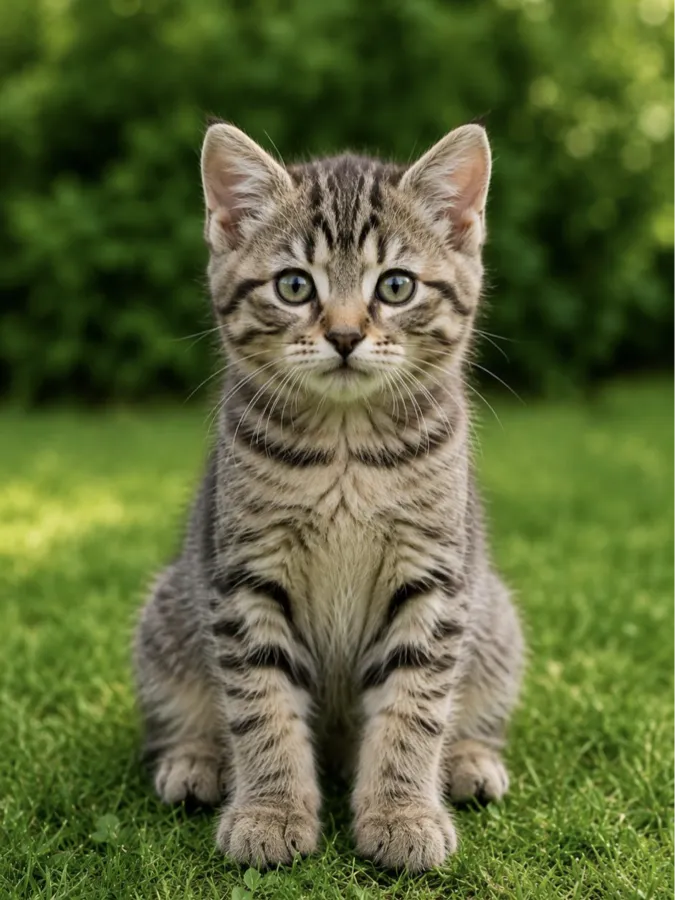
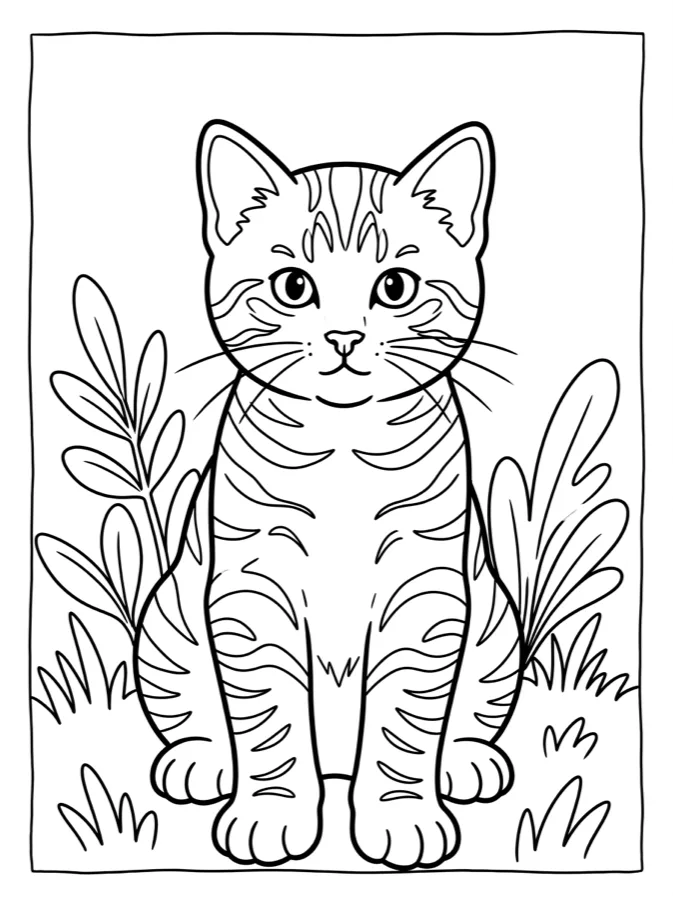
How to turn a photo into a coloring page
- Pick a clear photo. Good light, one to four people or pets, and a background that is not too busy.
- Upload it above. Phones send photos as JPG or HEIC; both work. We resize it in your browser first.
- Choose a style. Kids uses thick, simple lines and big shapes. Adult keeps hair, fur and fabric detail. Mandala turns your subject into a round pattern.
- Download the PDF and print. It is sized for US Letter or A4. Print on regular paper for crayons, or heavier paper for markers.
Which photos work best
- Faces looking at the camera
- Pets sitting or lying still
- Daylight, no heavy shadows
- Up to four people
- Big crowds and group shots
- Dark or blurry photos
- Faces far away or cut off
- Very busy backgrounds
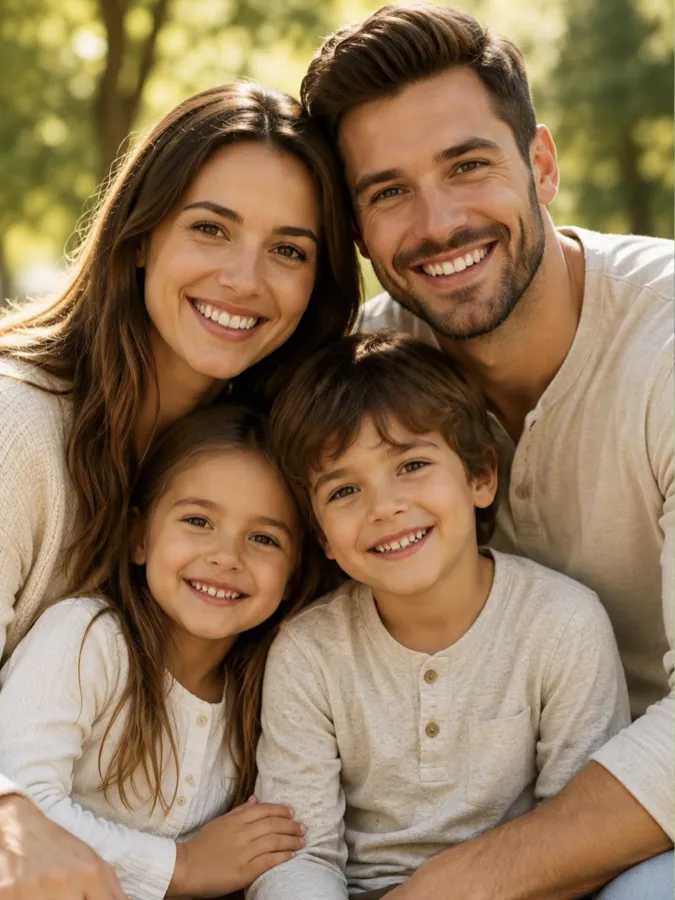
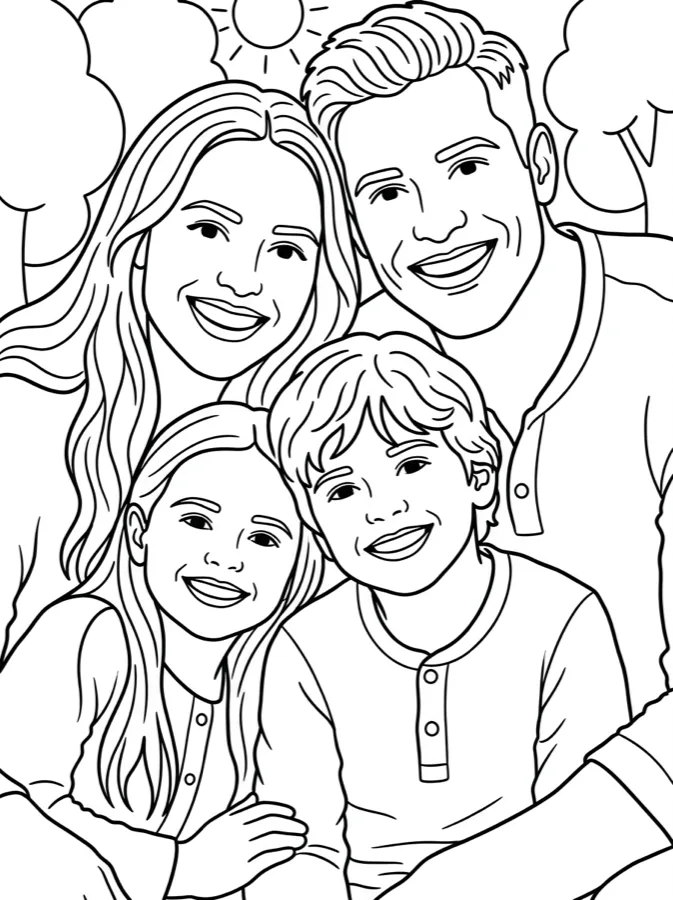
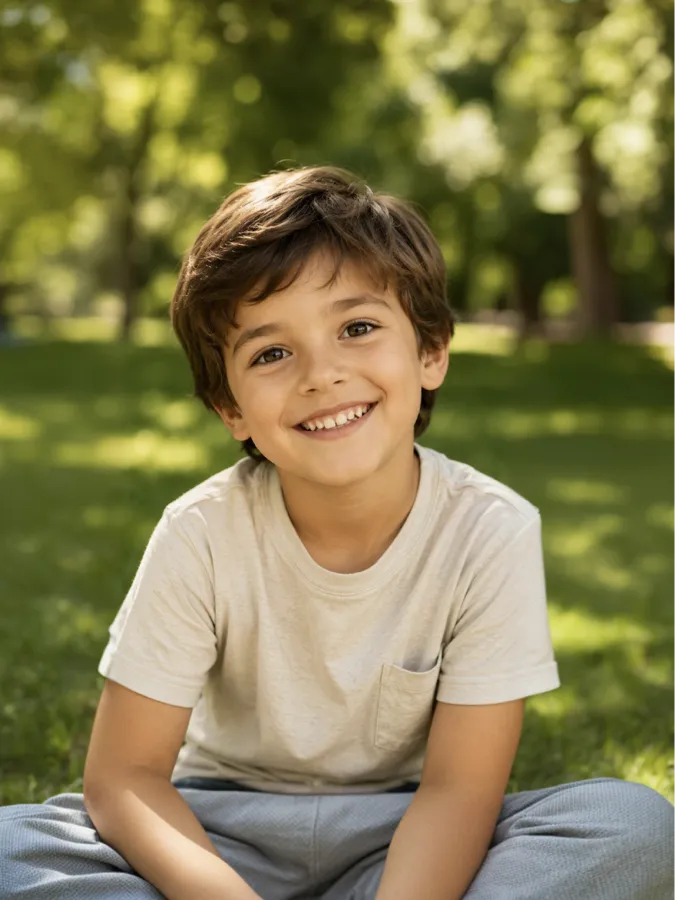
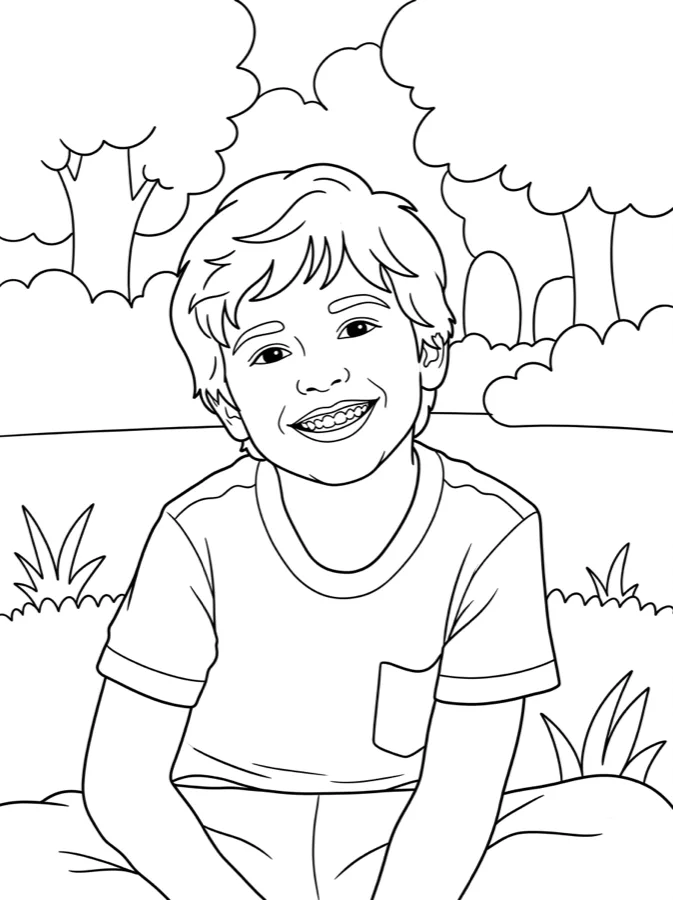
Doing it by hand vs. with AI
The classic way is to open the photo in an editor like Canva, Photoshop or GIMP, apply a "find edges" or "sketch" filter, raise the contrast and erase the noise. It works for simple pictures, but you end up with broken lines, gray shading and lots of tiny areas that are hard to color.
An AI converter redraws the photo instead of filtering it. You get closed shapes, solid black lines and a clean white background, which is what a coloring page needs. It keeps the likeness of faces and the pose, and drops the clutter.
Gift ideas
Make a page from a photo of the grandkids and print it as a card. Turn the birthday kid into the hero of the party coloring table. Or frame a colored-in portrait of a pet that is no longer with you. Add pages from the free library to fill a whole little book.
Photo to coloring page FAQ
How do I turn a photo into a coloring page?
Upload the photo above, pick Kids, Adult or Mandala, and press the button. In about 30 seconds you get clean black line art you can download as a PDF or print.
Is the photo to coloring page converter free?
Yes. Each visitor gets one free page, with no account. Our free library has many more pages to download and print.
Do you keep my photos?
No. Your photo is sent once to draw the page. It is not saved on our servers and is never shared. See the privacy policy.
Can I turn a photo into a coloring page in Canva or Photoshop?
You can, with filters like "find edges" and some cleanup by hand. It takes 15 to 30 minutes and the lines are rarely clean enough for kids. An AI converter redraws the photo as real line art in one step.
Do I need an app to turn a photo into a coloring page?
No. The converter on this page works in your browser on any phone or computer. Upload a photo, pick a style and download a printable PDF, with no sign-up.
Can I make a personalized coloring book?
Yes. Make a page from your favorite photo here, add pages from the free library, and print them together. It makes a great gift for grandparents or a birthday party activity.