
Gifts
How Do You Make a Personalized Coloring Book From Family Photos?
Pick 10 to 20 family photos, turn each into a coloring page, add a cover, then print and bind at home or at a print shop. Step-by-step guide.
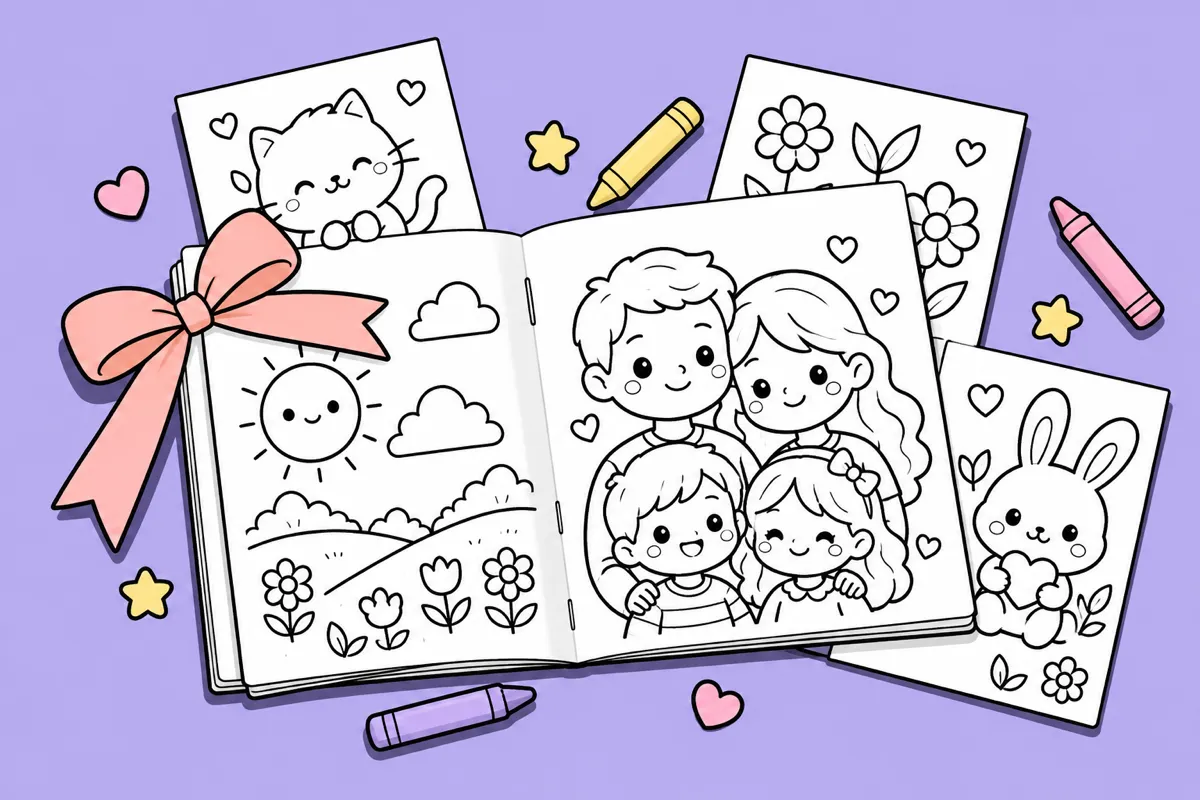
To make a personalized coloring book, choose 10 to 20 family photos, turn each one into a black-and-white coloring page, add a cover page, then print the pages and bind them with staples, a ring binder, or spiral binding from a local print shop. You can finish a simple version in an afternoon. A bound, gift-ready book takes an extra trip to the print shop or a few days for an online service.
Here is the full process, plus binding options and gift ideas.
How many photos do you need?
Ten to twenty pages is the sweet spot. Fewer than ten feels thin as a gift. More than twenty gets expensive to print and bind, and kids rarely finish a book that long. If you have a lot of good photos, make two smaller books instead of one big one.
Which photos make the best coloring pages?
The best pages come from photos with:
- One to three people or pets. Big group photos turn into crowded pages.
- Faces at eye level and in good daylight.
- A simple background. A wall, sky or lawn works better than a busy room.
- A clear moment. Blowing out candles, holding a fish, building a sandcastle. Kids like coloring a memory they recognize.
Mix it up so the book has a story: a few portraits, a pet, a holiday, a trip, and maybe the house.
How do you turn each photo into a coloring page?
You have two main options:
- Filter the photo yourself in a design tool, with a sketch or outline effect and high contrast. This is free but takes trial and error, and faces often come out with gray shading. We cover this in how to turn a photo into a coloring page in Canva.
- Use an AI photo to coloring page tool that redraws the photo as clean line art. Our photo to coloring page tool does this, with one free page on the web and no sign-up. Photos are sent once to draw the page, not saved on our servers, and never shared.
To fill out a full book, add pages in a matching theme from our free coloring pages library, so the book still looks like a set.
Which style should you choose?
Match the style to whoever will color it:
| Colorer | Style | Why |
|---|---|---|
| Ages 3 to 6 | Kids or cartoon | Thick outlines, big shapes |
| Ages 7 to 12 | Cartoon, comic or anime | Fun look, moderate detail |
| Teens and adults | Adult, sketch or mandala | More detail, longer coloring time |
Pick one style and stick with it for the whole book. Mixing styles makes the book feel like a random stack of pages.
How should you put the book together?
- Make a cover. Use your best photo as the cover page and add a title such as “The Garcia Family Coloring Book” or “Grandma’s Garden.”
- Order the pages. Chronological works well for a year in review. Otherwise, alternate easy and detailed pages so the colorer gets variety.
- Add captions. A short line under each page helps: “Max’s first camping trip, 2026.”
- Leave one page blank at the end for the colorer to draw their own picture.
- Save everything as one PDF so the print shop or your printer gets the pages in order.
What paper and print settings should you use?
Regular copy paper works for crayons. For markers or gifts, use heavier paper so colors do not bleed through and the book feels sturdier. Print single-sided, because marker can show through to the back. Print at the highest quality setting with “fit to page” turned on. Our guide to the best paper for coloring pages goes into weights and printer settings.
How do you bind a homemade coloring book?
Pick the binding that fits your time and budget:
- Staples. The quickest option. Fold the pages in half for a booklet, or staple the left edge two or three times. Best for 10 pages or fewer.
- Ring binder or binder rings. Punch holes and clip the pages in. Pages lie flat and can be removed for display on the fridge.
- Spiral binding at a local print shop. Most copy shops can print and spiral-bind a PDF while you wait or within a day. Ask for a clear plastic front cover and a cardstock back.
- Photo-book or print-on-demand services. Some online photo-book services can print your pages as a book. Choose a matte, uncoated paper option if you can, since glossy pages are hard to color on.
Who would love a personalized coloring book?
- Grandparents. A book of the grandkids, colored by the grandkids, then given as a gift. Or a book the grandparents color with the kids on visits.
- Birthdays. Pages of the birthday child through the past year, with their friends and pets.
- Wedding kids’ table. Pages of the couple, the venue and the families keep young guests busy during dinner. Add a page that says “Draw the happy couple.”
- New big brother or sister. A book about the family getting ready for the baby.
- Holidays. A family-in-Christmas-sweaters page makes a good cover. See our Christmas coloring activities for more.
- Pet lovers. A whole book about the family dog or cat. Our guide on turning your pet into a coloring page has photo tips.
Can you mix in pages that are not photos?
Yes, and it helps the book breathe. Add a few themed pages between photo pages: a birthday cake, a holiday tree, a favorite animal. Our free coloring pages library has original pages you can print as PDFs and slot in wherever you like.